
Focused topics
Each guide addresses a defined part of frontend development.
SAENTIX / FRONTEND FIELD NOTES
Explore practical guides on HTML, CSS, JavaScript and the decisions behind readable, responsive interfaces. Follow the topics that fit your current skills.
EIGHT PRACTICAL GUIDES HTML / CSS / JAVASCRIPT


THE COLLECTION
Four featured books from an eight-guide collection. Each begins with a practical frontend topic.
Loading products…
WHO WE ARE
Saentix brings frontend topics into focused digital learning guides. Each guide centers on a practical part of building for the web. We use readable explanations and exercises rather than promises of guaranteed outcomes. Explore the catalog to find a starting point that matches your experience.
Our mission is to make frontend concepts approachable through organized, practical material. We focus on how pages are structured, styled and made interactive. Examples connect individual techniques to visible interface decisions. Learners can choose their next topic based on what they want to practice.

THE APPROACH
Each guide addresses a defined part of frontend development.

Work through small interface scenarios explained in the material.

Study a downloaded PDF at a pace that fits you.

Check what you should know before choosing the next guide.
INTERFACE ANATOMY
A page becomes easier to reason about when structure, layout, interaction and reusable patterns are treated as separate layers.
HTML landmarks, content hierarchy and accessible controls.
Spacing systems, layering and grids that adapt without collapsing.
DOM events, state changes and controls that remain understandable.
Data-driven templates and patterns that scale across pages.
THE PATH
Move through topics according to your experience. Each guide can also be considered independently.
HTML, semantic structure and responsive foundations.
Layout systems, browser interaction and motion.
Reusable patterns and cohesive static projects.
CHOOSE BY GOAL
Work with semantic regions, forms, focus states and reusable interface pieces.
Spark Pack ↗LAYOUTChoose Grid or Flexbox based on the actual layout relationship.
Grid Capsule ↗COMPLETE BUILDBring navigation, responsive pages, reusable details and browser checks into one static site.
Nexus Capsule ↗THE MATERIAL
Product pages show each guide’s module sequence, practical example and intended learning outcomes. Downloadable PDFs are designed for self-paced study and offline reading with a compatible reader.
Browse guides ↗
PRACTICE LOOP
Use the same four moves each time you meet a new frontend concept. The goal is not to read more — it is to make one decision visible, test it and improve it.
Identify the browser behavior, layout rule or semantic idea being explained.
Build only enough to make the underlying decision visible before adding polish.
Resize, tab, change content and watch where the result begins to break down.
Improve hierarchy, semantics, spacing or state feedback, then compare again.
HANDS-ON EXAMPLES
BROWSER CHECKLIST
A compact review routine drawn from the themes across the collection.
Headings and landmarks still make sense without the visual styling.
Keyboard focus is visible and reaches every real control.
The layout survives narrow screens and longer content without clipping.
Interactive controls communicate what changed and what can happen next.
Animation supports meaning and has a reduced-motion fallback.
Repeated patterns share spacing, typography and interaction behavior.
START HERE
Start with the introductory HTML and CSS guide and work through a small page-building exercise at your own pace.
View Free Kit ↗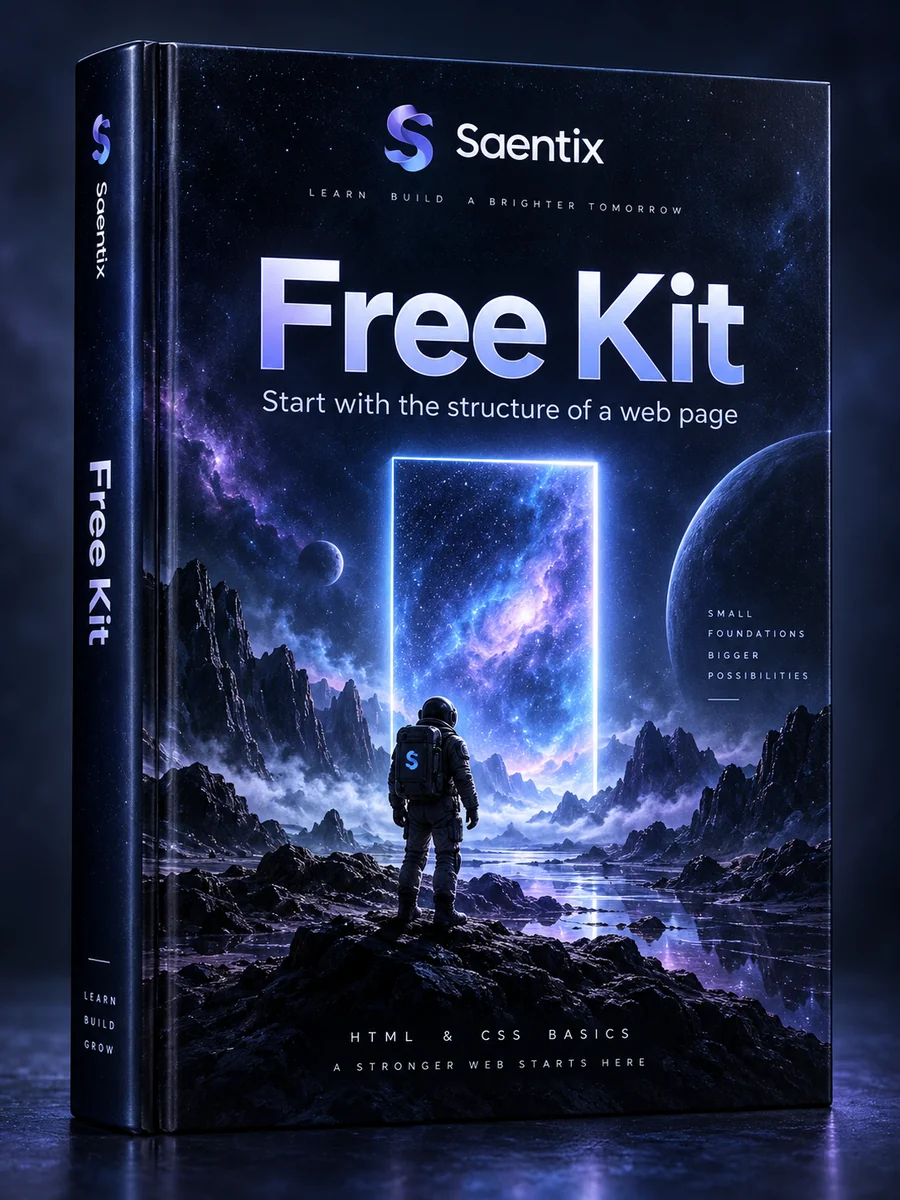
YOUR QUESTIONS
See two answers at a time, then move through the remaining common questions.